How does the licence work?
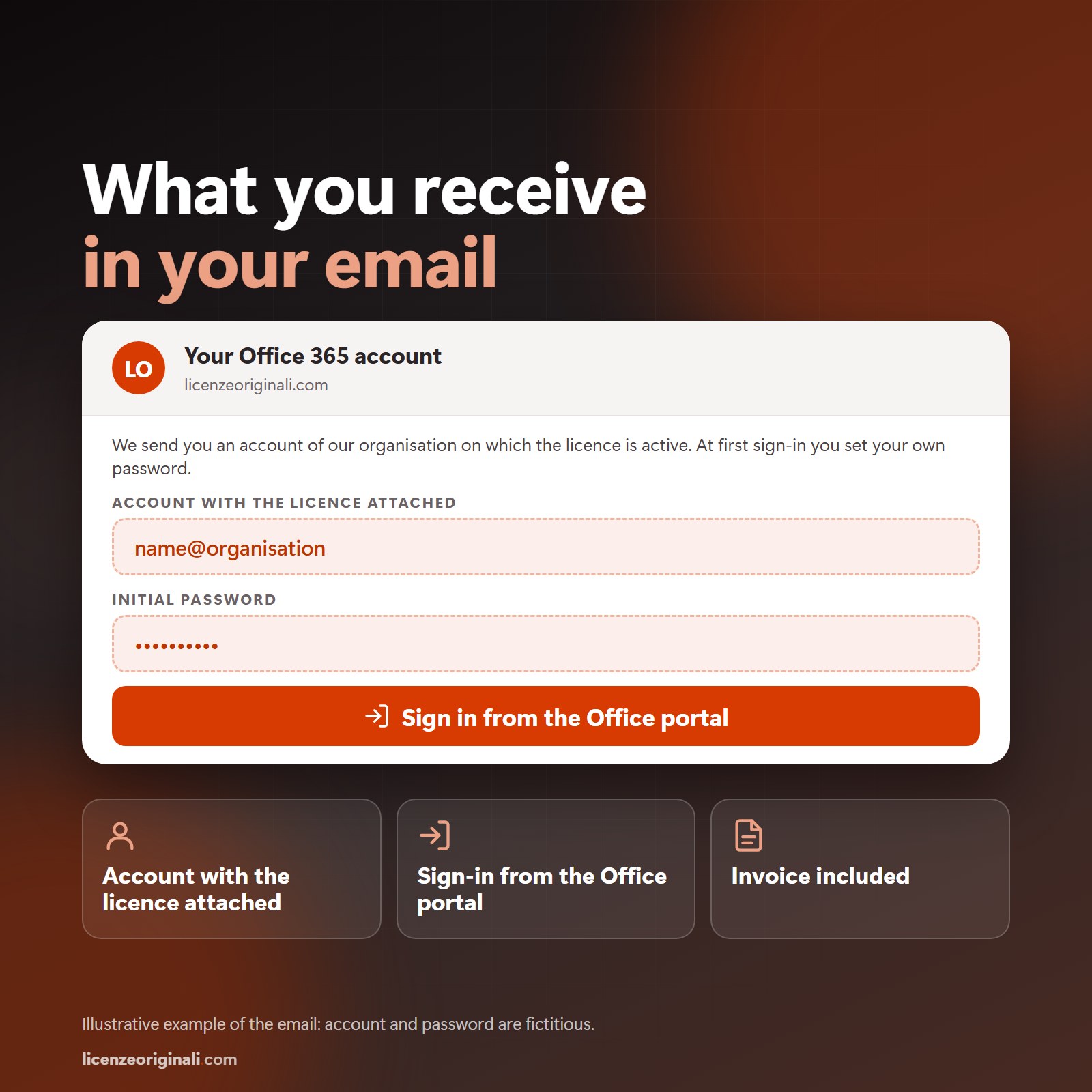
With your purchase you receive a user in our organisation on which the licence is active: at first sign-in you set your own password. It is not suitable for renewing a 365 subscription you already have.
How long does it stay active?
The product page does not state an expiry date. However, Microsoft 365 is a subscription service (Microsoft): to know for certain the duration in your case, write to us before buying.
What should I remember?
The product page recommends writing down the password you set to activate the account, because it cannot be reset or replaced. It also specifies that, in the event of a block or changes by Microsoft, the licence can no longer be used or reactivated by us.
On how many devices can I use it?
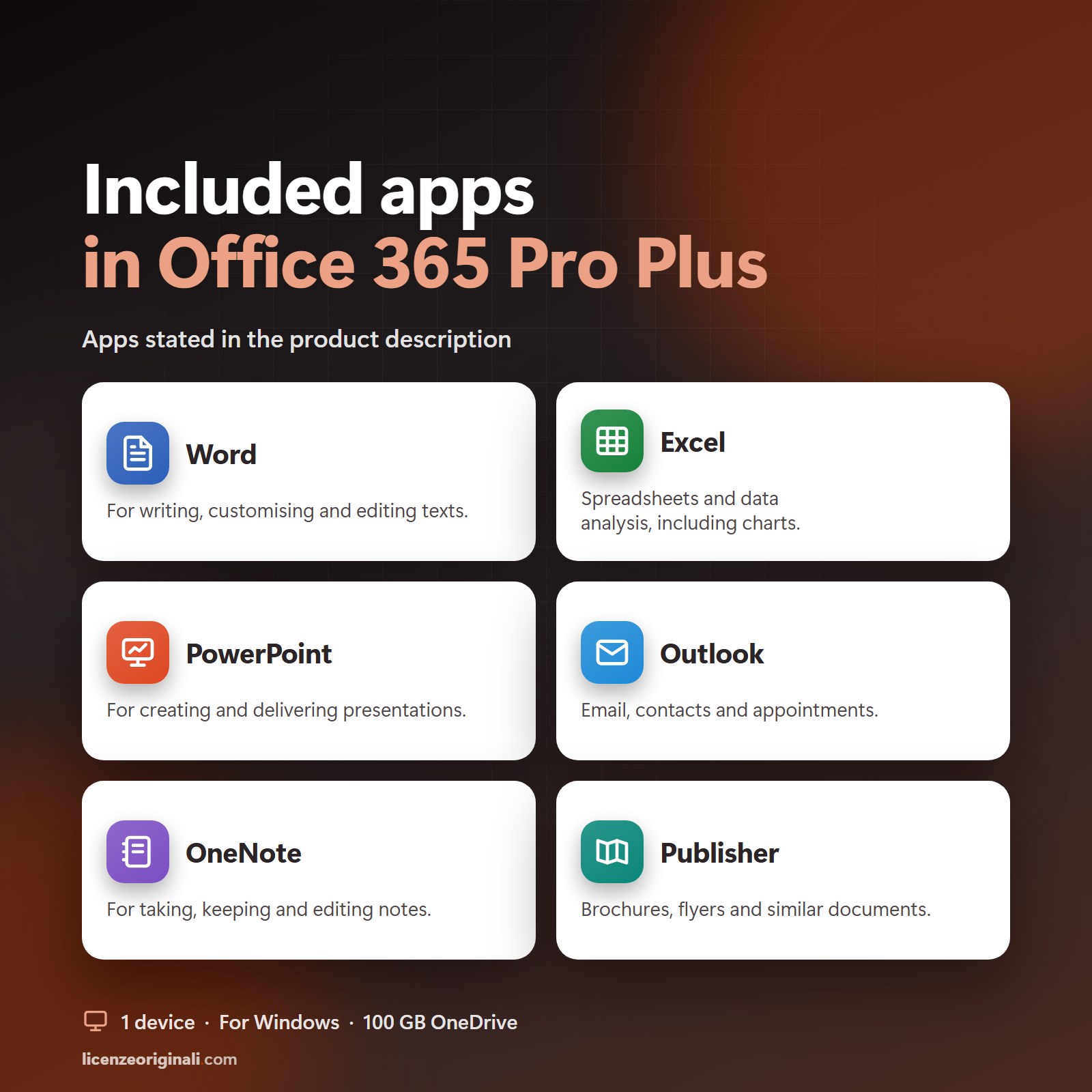
The licence is valid for 1 device.
Which device is it intended for?
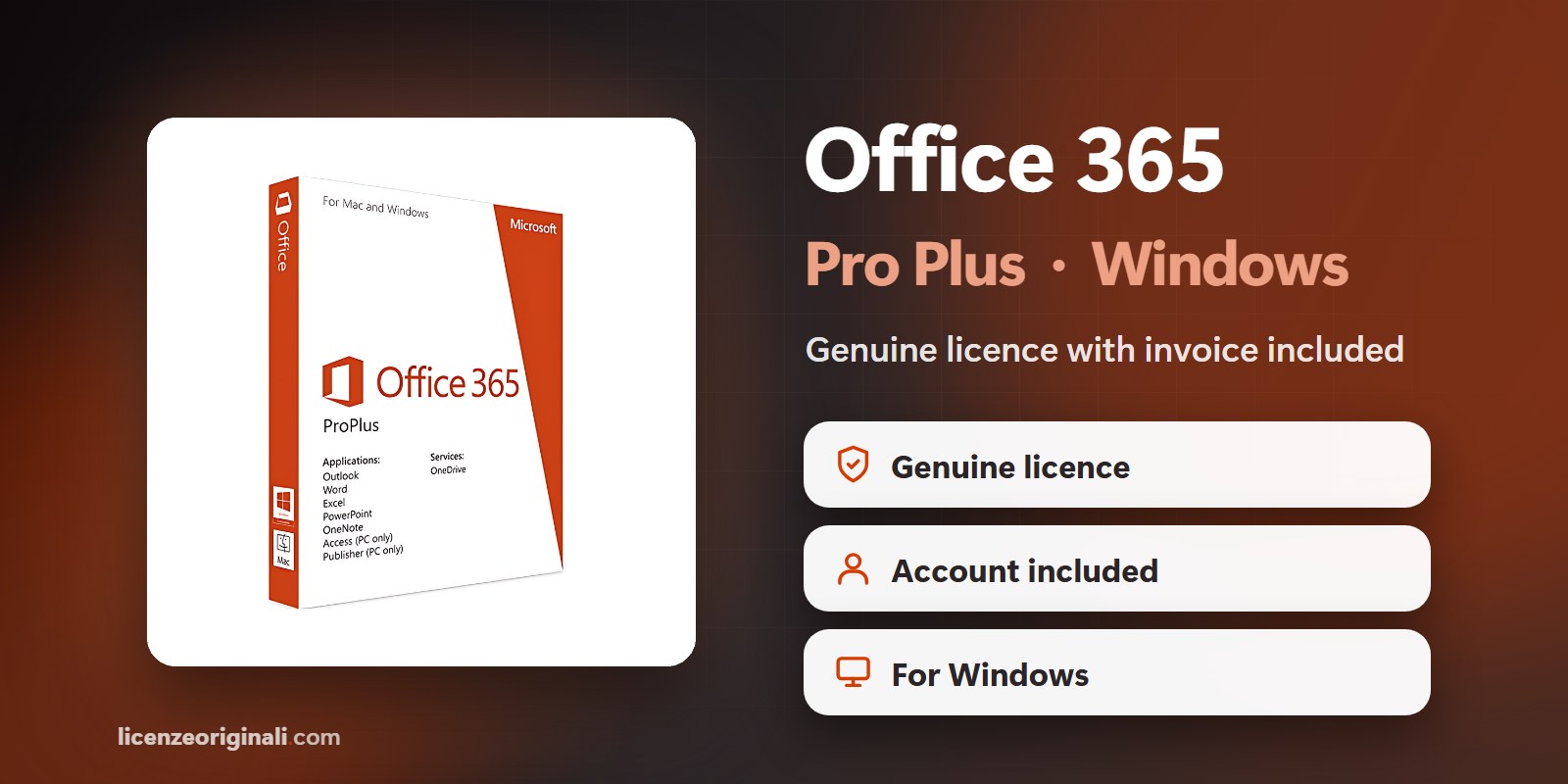
The product page indicates it for Windows.
How do I activate it?
Sign in to the Office portal with the account and initial password you receive by email, change the password, then from “Install apps” choose “Install Office” and activate with your account. If you have any difficulty, we will help you by remote connection.
How do I receive the licence?
By email. You will also find it in your account, under “My licences”. If it does not arrive, check the SPAM folder and write to us.
Can I get an invoice?
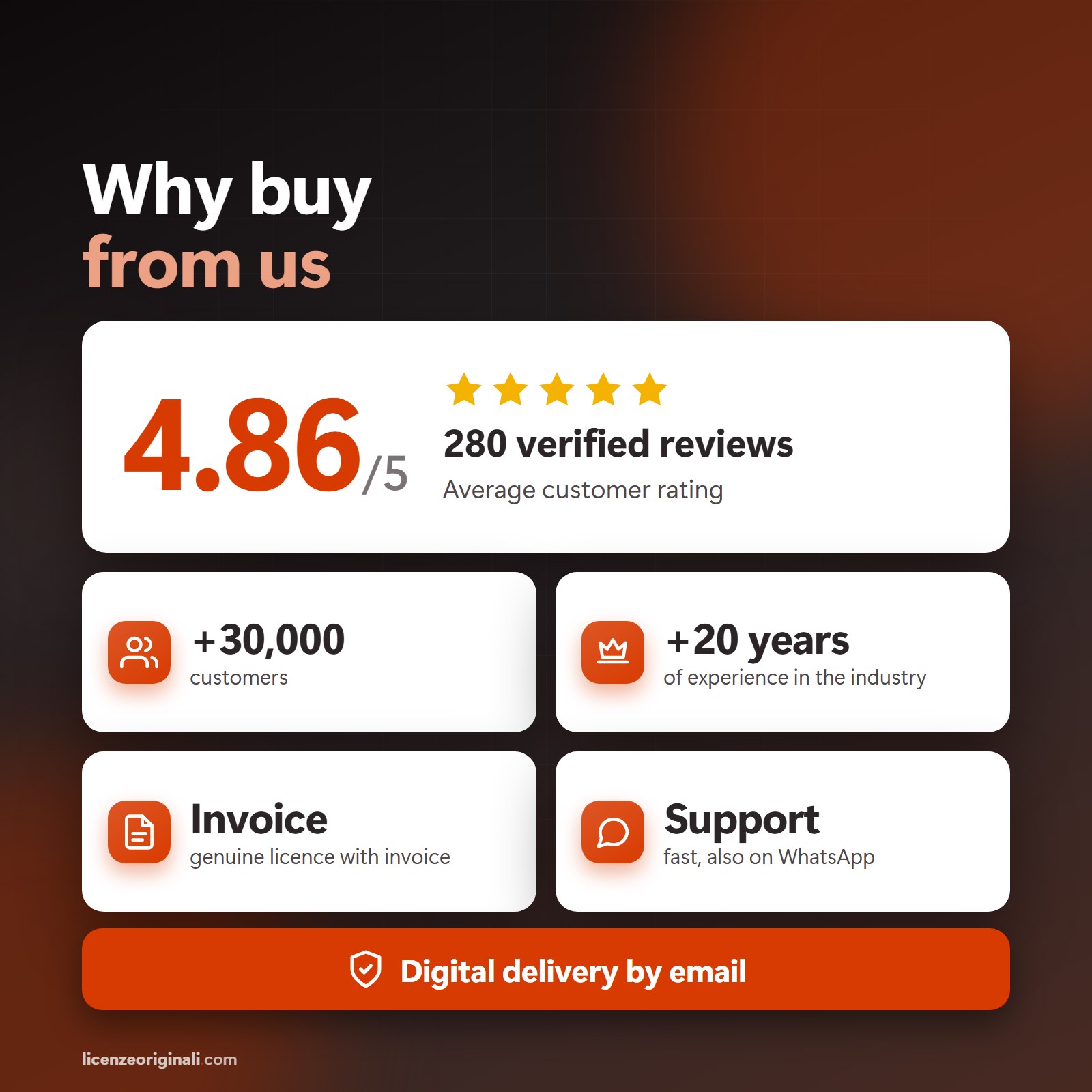
Yes, the invoice is included.
I have a problem with activation: what do I do?
Write to us on WhatsApp or to support: we connect to your computer and activate it together with you.