Activation timeabout 2 hoursDuring office hours (Mon–Fri 8:30–17:30 CET): median of 88 Autodesk orders in the past 90 days.
Activation without a code — this licence has no key: we link it to the email address you give with your order, and you sign in with your Autodesk account. Need a different email? Write to us and we change it.
Talk to a real personWe answer Monday–Friday, 8:30–17:30
!!!! PLEASE CHECK THAT THE EMAIL ADDRESS YOU ENTERED ON OUR SITE IS CORRECT: THE PRODUCT IS ACTIVATED THROUGH THAT ADDRESS, AND IF IT IS WRONG YOU WILL NOT BE ABLE TO USE IT. !!!!!
Ottima esperienza, è già la quarta volta che acquisto da questo sito e non ho mai avuto problemi. Ricezione mail con licenza velocissima, installazione guidata da istruzioni brevi ma semplici, facilità di completamento della procedura. Insomma, cinque stelle meritatissime! Grazie!
Ha ricevuto 1 timbro Fidelity per questa recensione
★★★★★
MICROSOFT OFFICE 2024 PROFESSIONAL PLUS- LICENZA ORIGINALE - ATTIVAZIONE TELEFONICA - LICENZA A VITA
Tutto ok, unico neo è scrivere tutti quei numeri per attivazione e conferma, ma con un pò di pazienza si riesce a fare. Comunque, son felice di acquistare in questo sito. consigliatissimo.
Ha ricevuto 1 timbro Fidelity per questa recensione
★★★★★
TUTTO OK
Un po' impegnativa l'attivazione tramite telefono ( è la prima volta che lo faccio) pero' il tutto si è risolto alla perfezione.
Grazie
Ha ricevuto 1 timbro Fidelity per questa recensione
★★★★★
Eccezionali nell'assistenza al cliente, precisi e puntuali
Consegna, attivazione e assistenza avvenuta come pubblicizzato.
Fornitore consigliatissimo.
★★★★★
Tutto perfetto, come pubblicizzato
Non è la prima volta che mi rivolgo a questa azienda e, sicuramente ne posdo testimoniare la serietà commerciale.
Le licenze sono perfettamente funzionanti e attivabili a nome del cliente, basta seguire le procedure ufficiali di installazione.
Se ciò non dovesse vastare, l'azienda stessa mette a disposizione la propria assistenza.
Cos'altro aggiungere?
Nulla, perfetti sotto ogni aspetto.
Ha ricevuto 1 timbro Fidelity per questa recensione
★★★★★
Ottimo
Consegna velocissima... scaricato software ed installato senza problemi.
Attivazione un po' lunghetta x la faccenda di dover inserire tutti i codici, comunque il tutto si è risolto e funziona benissimo.
Grazie
Ha ricevuto 1 timbro Fidelity per questa recensione
★★★★★
Ottimo. Tutto perfetto
Attivazione istantanea, tutto perfetto.
Ha ricevuto 1 timbro Fidelity per questa recensione
★★★★★
ottimo
gentili e veloci
★★★★★
ottimo
funziona benissimo e sono stati molto veloci nella consegna
Ha ricevuto 1 timbro Fidelity per questa recensione
★★★★★
Prodotto funzionante, codice arrivato nei tempi previsti, competenza rapidità e gentilezza nel servizio. Consigliatissimo. Grazie
Ha ricevuto 1 timbro Fidelity per questa recensione
★★★★★
MICROSOFT OFFICE 2024 PROFESSIONAL PLUS- LICENZA ORIGINALE - ATTIVAZIONE TELEFONICA - LICENZA A VITA
TUTTO PERFETTO !!!
Ha ricevuto 1 timbro Fidelity per questa recensione
★★★★★
veloce e tutto ok
Ha ricevuto 1 timbro Fidelity per questa recensione
Autodesk Fusion 360 2027: genuine licence for 1 year
Digital licence for 1 year for 1 device, activated on your Autodesk account, with the invoice included.
What Fusion 360 2027 is and who it is for
Fusion 360 is a cloud-based CAD, CAM and CAE platform that brings 3D modelling, simulation and manufacturing together in a single environment, for engineers, manufacturers and industrial designers.
This product is the Educational version, as stated on the product page: it is reserved for students and teachers, for educational purposes. If you need it for work, choose the commercial version.
At a glance
Licence for 1 yearGenuine licence, invoice included.
1 deviceOne licence, one email address.
Windows and MacAvailable for Windows and macOS. The details are in the requirements table.
Activation within 24 working hoursOn the Autodesk portal, at the email address you give us.
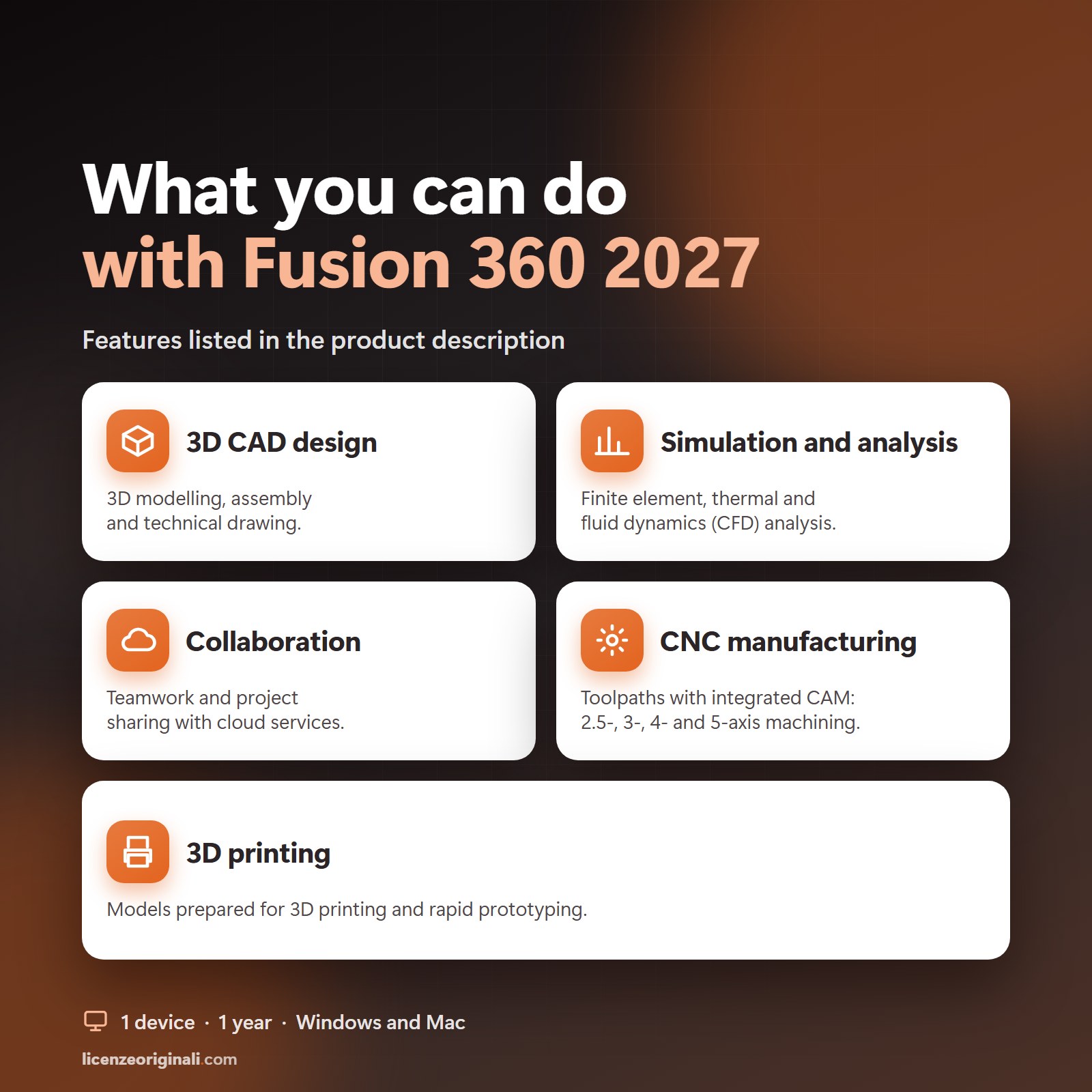
What you can do with Fusion 360 2027
Some of the features listed on the product page.
3D CAD design: 3D modelling, assembly and technical drawing.
Simulation and analysis: Finite element, thermal and fluid dynamics (CFD) analysis.
Collaboration: Teamwork and project sharing with cloud services.
CNC manufacturing: Toolpaths with integrated CAM: 2.5-, 3-, 4- and 5-axis machining.
3D printing: Models prepared for 3D printing and rapid prototyping.
What you receive
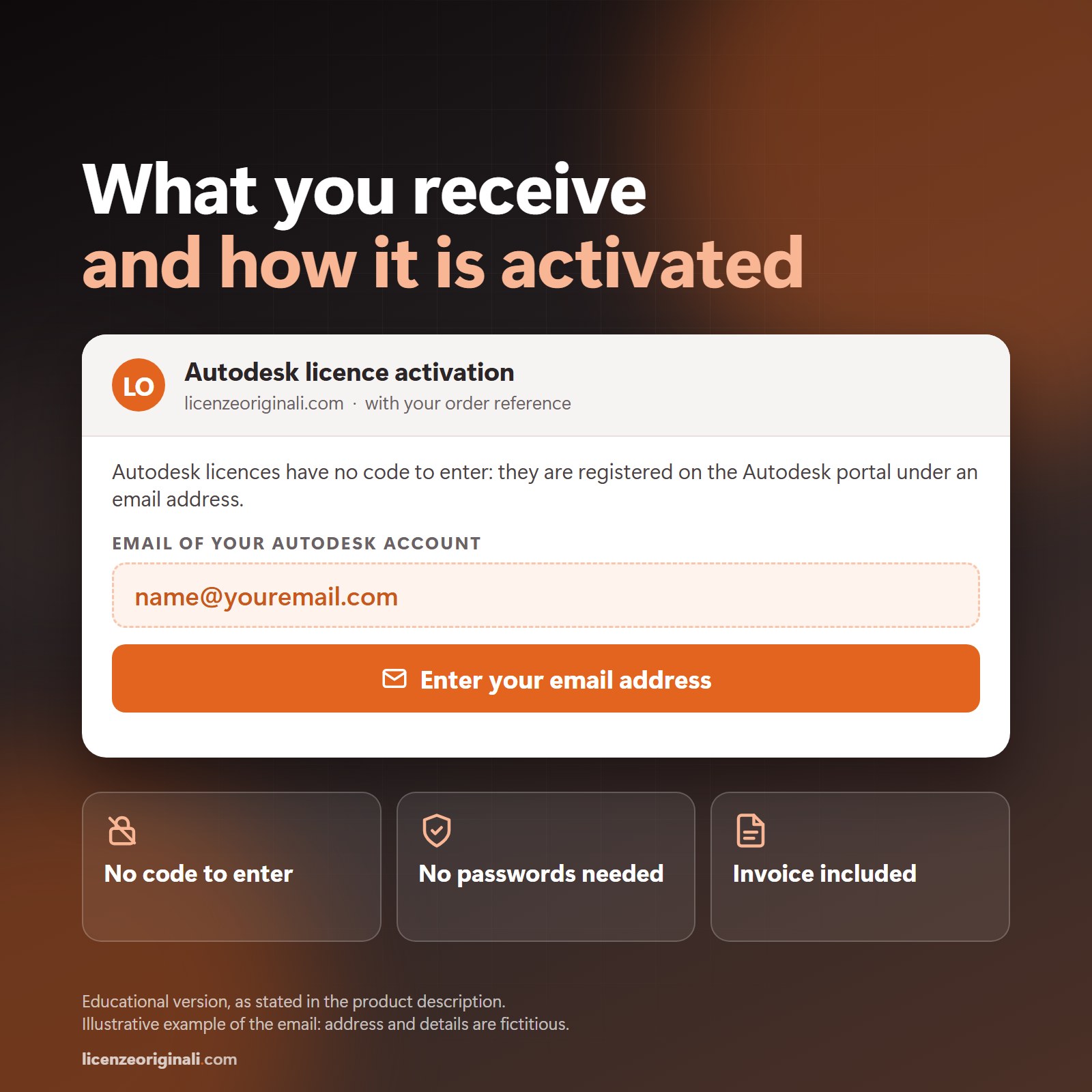
Autodesk licences do not have a code to enter: they are registered on the Autodesk portal under an email address, which becomes the account you will use the product with. We do not ask you for passwords or any other login details. You receive:
the activation of the licence on the Autodesk portal, at the email address you give us;
the software to download from the Autodesk portal, with the account on which the licence was activated;
the invoice, included;
fast support on WhatsApp too.
Why buy from us
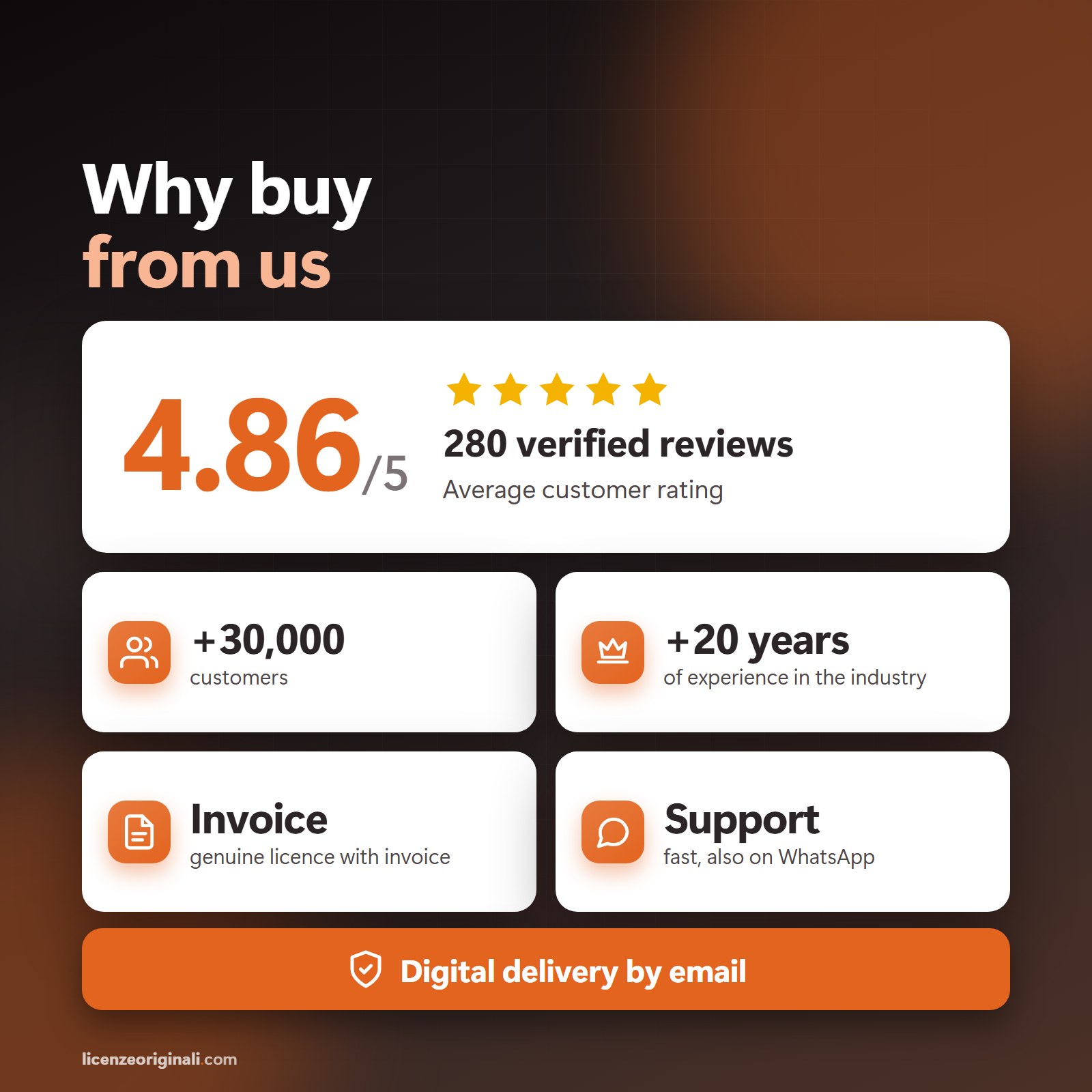
Average rating 4.86 out of 5 from 280 verified reviews.
Over 30,000 customers and more than 20 years of experience in the industry.
Invoice included.
Fast support on WhatsApp too.
Digital delivery by email.
Secure payments, with SSL encryption.
Sapiente for studying
Preparing for your next exam?
Practise with tests and simulations on Sapiente, from your first exercise to the final exam.
Before buying, check that your computer is compatible. The platforms below were checked on 3 November 2026 on the official Autodesk pages.
Platforms
Windows and macOS
Detailed requirements
The supported versions of Windows and macOS change over time: check the up-to-date Autodesk requirements page.
Devices
1 device: one licence, one email address
Account
One Autodesk account, created on the email address you give us
Duration
Licence for 1 year
Licence
For Windows, Mac
Source: Autodesk, Fusion system requirements (help.autodesk.com), consulted on 3 November 2026: https://help.autodesk.com/view/fusion360/ENU/?caas=caas%2Fsfdcarticles%2Fsfdcarticles%2FSystem-requirements-for-Autodesk-Fusion-360.html
Full product name: AUTODESK FUSION 360 2027-WINDOWS/MAC-1 YEAR
How to activate
1
You buy
Choose Fusion 360 2027 and complete the payment securely.
2
You give your email
From the email you receive, open the page and enter the address of your Autodesk account. One licence, one address.
3
You confirm the address
You receive a short verification message: just click the link it contains, which can be used only once.
4
We activate, you log in, you download
We activate the licence on the Autodesk portal within 24 working hours. Then you log in with the address you gave and download the software from the portal. On your first login, if you do not have a password yet, use the password recovery procedure.
If activation does not work, write to us: we connect to your computer and do it together. If the invitation does not arrive, or the email address is wrong, we send it again ourselves.
Frequently asked questions
Educational or commercial?
Educational. The product page states that this is an Educational Version. The product pages of the commercial versions of our Autodesk products explain the difference: the Educational version is reserved for students and teachers, for educational purposes, and is not intended for real projects. If you need it for work, choose the commercial version; if in doubt, write to us before buying.
Does it work on Mac?
Yes. Fusion 360 is available for Windows and for Mac. The supported macOS versions change from one version to another: check the Autodesk requirements page.
On how many PCs can I use it?
The licence is for 1 device (1 PC) and for a single email address: one licence, one Autodesk account.
What happens when it expires?
The licence is time-limited: it lasts 1 year. When it expires, the account is no longer active and, to keep using the software, you need a new licence. In your account on the website, under “Autodesk licences”, you can see until when your account is active. To renew, write to us on WhatsApp or at info@licenzeoriginali.com.
What if the email I gave is wrong?
The product is activated on the email address given: if it is wrong, you will not be able to use it. That is why, before activating, we send a verification message to that address. If you need a different email, write to us on WhatsApp or at info@licenzeoriginali.com: we will change it for you.
How long does activation take?
Activation on the Autodesk portal takes place within 24 working hours.
Do I get the invoice?
Yes, the invoice is included.
I have a problem with the activation: what do I do?
Write to us on WhatsApp or at info@licenzeoriginali.com: support is fast.
About the shop
Are the licences genuine?
Yes. They are manufacturer licences with a valid activation code registered on their servers. You get the key and the invoice.
Why are they so much cheaper than the manufacturer?
We buy in volume and resell electronic licences: no box, no warehouse, no shipping. That is where the saving comes from, not from the licence quality.
Do licences expire?
It depends on the product. Windows and Office are mostly lifetime licences tied to the computer. Antivirus and Autodesk suites are 1, 2 or 3 year subscriptions: your account shows the expiry date and we warn you in advance.
Can I reuse the licence after formatting my PC?
Yes for lifetime licences: it reactivates on the same computer. If you change machine, write to us and we help you move it where the manufacturer allows.
Which payment methods do you accept?
Credit and debit cards through Revolut (Visa, Mastercard, American Express) and bank transfer. Card details never pass through our servers.
The 14-day right of withdrawal does not apply to digital content already delivered, but your legal rights in case of lack of conformity remain. See the “Right of withdrawal” page.
Sign in, open “My licences” and press “Request replacement”. You can attach a screenshot of the error — with that we check faster. You can also write to us on WhatsApp or by email.
Invoice
Always. At checkout tick “I need an invoice” and fill in your details: Italian companies need a VAT number and an SDI code or PEC, EU companies get their VAT number checked against the VIES register.
Support
Yes, free of charge: email, WhatsApp and chat, Mon–Fri 9–13 and 15–18. If needed we also help remotely with the installation.