
Guide to Microsoft Visio and Project: features, differences and uses
Discover what Microsoft Visio and Project are used for, the differences between versions and how to choose the right software for your work needs.
What Microsoft Visio and Project are used for
Microsoft Visio and Microsoft Project are two programs designed for the visual and organizational management of work. Many users think they will find them inside the traditional Office suite, but this is not the case. Both software applications are purchased separately from programs such as Word and Excel. Each of the two tools responds to specific needs and solves different problems within a company or a professional practice.
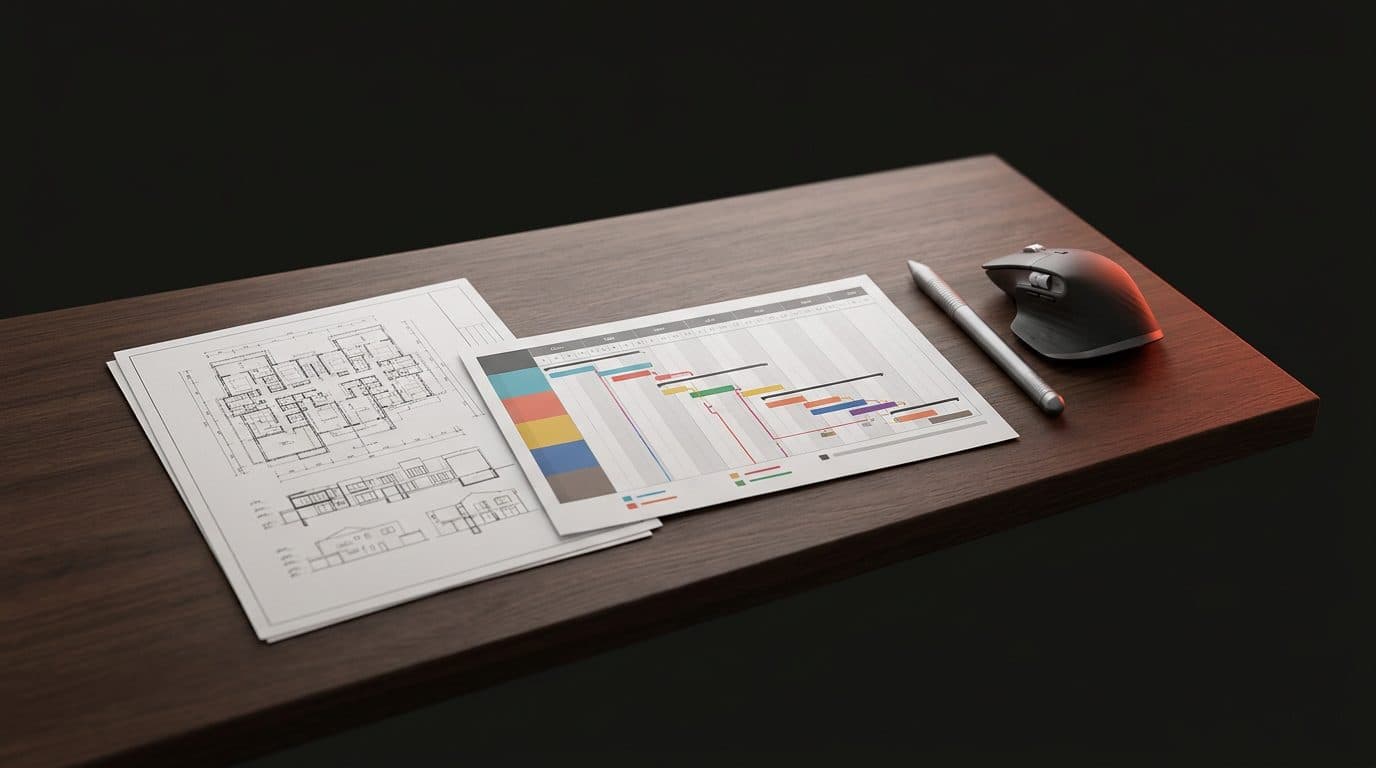
Visio is used to transform complex concepts and data into clear visual representations. It is used to draw building floor plans, IT network diagrams, company organizational charts and flowcharts. Those who work with processes find in this program the ideal tool to map every single phase of an activity. It is extremely useful for IT technicians, engineers, architects and business process managers who need to visually illustrate how a system works or how a space is structured.
Project is dedicated to the operational management of projects and their planning over time. It is used to define tasks, set deadlines and assign tasks to people. The program calculates how a change in a single date affects the entire work. It is essential for those who must manage schedules, costs, and material or human resources. It is used by project managers, site managers and team coordinators who need to maintain control over complex activities with many dependencies.
Differences between Standard and Professional versions
Both Visio and Project are available in two main editions called Standard and Professional. The choice between one and the other depends on the complexity of the work and the collaboration needs of your group. The Standard version offers all the basic functions necessary for a single user to create complete and well-structured documents.
The Professional edition adds advanced features aimed at teamwork and complex data management. In Visio Professional, it is possible to link diagrams to external real-time data sources and access more specific graphic templates for engineering and IT. In Project Professional, you find advanced tools for resource management, detailed reporting, and the ability to collaborate with corporate server systems. Those working alone can consider the Standard version, while structured companies prefer the Professional edition.
File sharing and integration into daily work
A common question concerns sharing the files created with these programs. It is not necessary for all colleagues or clients to own a Visio or Project license to be able to view the work done. Both software applications allow documents to be exported into universal formats such as PDF. This way, anyone can open, print and read a network diagram or a work plan from any device.
The decision on which program to choose comes down to the type of problem to be solved. If the goal is to visually show how a structure is made or how a process develops, Visio is the correct choice. If the requirement is to control a project schedule, manage deadlines and distribute tasks, Project represents the right tool. Since these are licenses separate from Office, each user can purchase only the program they actually need for their business.