
How to choose the right antivirus for your real needs
A practical guide to understanding what level of protection your devices really need, avoiding paying for useless features.
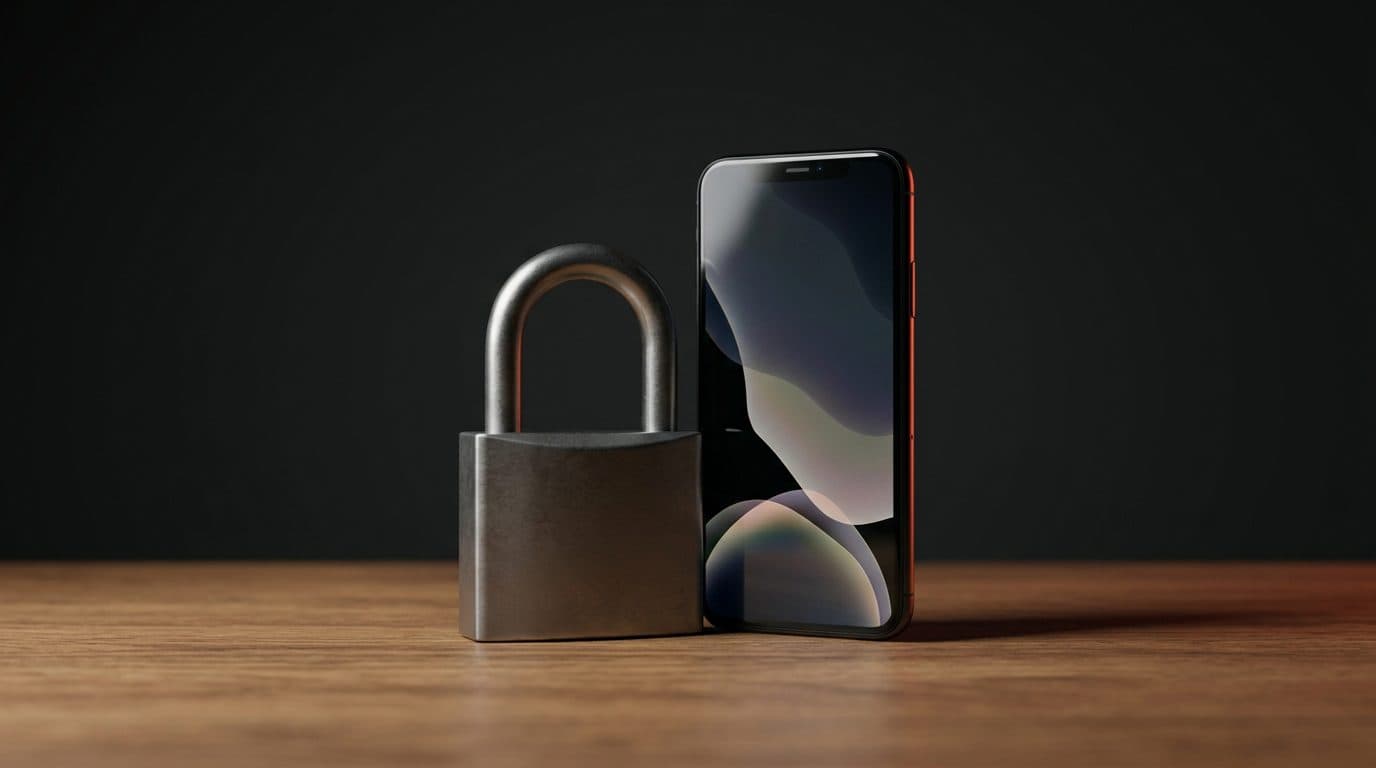
The difference between protection levels
Security software manufacturers usually offer three levels of protection. The basic version, simply called Antivirus, focuses on defending against malicious files already present on the computer or downloaded from the internet. This level scans the system and blocks traditional threats before they can cause damage.
The intermediate level, often called Internet Security, adds specific tools for web browsing. This version includes a web traffic control system that blocks attempts to steal personal data and protects online banking transactions. This is the most balanced choice for those who use their computer to make purchases or manage their bank account.
The most complete version, known as Total Security, combines the previous protection with tools for device maintenance and privacy management. This package often includes features to optimize system performance and protect sensitive data from unauthorized access.
When additional features are really needed
The most advanced versions include tools such as a virtual private network, a password manager, and restriction systems for minors. These services are only useful in specific cases. The virtual private network is useful for those who frequently connect to public internet networks, such as those in cafes or stations, to prevent others from intercepting the transmitted data.
The password manager is useful if you struggle to remember the credentials for various websites or if you tend to always use the same password. This tool stores everything securely and fills out forms automatically. If, on the other hand, you already use a similar system integrated into your browser or phone, this antivirus feature becomes superfluous.
Parental control allows you to limit device usage time and block access to sites unsuitable for minors. If there are no children in the house or if their devices are already restricted through basic operating systems, there is no reason to pay for this additional option.
Device management and savings
Every computer, phone, or tablet connected to the internet represents a potential entry point for attackers. Protecting only the home computer while leaving the smartphone vulnerable is a common mistake that negates much of the security efforts.
Licenses for individual devices have a proportionally higher cost compared to cumulative packages. Purchasing a license designed to cover multiple devices simultaneously allows you to protect the whole family with a single activation code. This approach reduces overall spending compared to purchasing separate individual coverages.
Managing a multi-device license is also simpler. A single annual expiration avoids having to remember different renewal dates for each individual device in the home.
The built-in defense system in Windows
Modern Windows operating systems already include a pre-installed protection tool. This free program represents a good starting point because it offers basic defense against the most common viruses and does not require complex configurations by the user.
However, this tool should not be considered a final destination for cybersecurity. Creators of digital threats develop their attacks starting precisely from the assumption that most users only use the basic defense. A dedicated antivirus offers more reactive analysis technologies and more frequent updates.
Specialized security software has constantly updated threat databases and artificial intelligence systems capable of recognizing anomalous behavior even before the threat has been officially cataloged.